Your ISP Knows More About You Than Your Best Friend
Your best friend knows your secrets because you told them. Your Internet Service Provider knows your secrets because they're watching — silently, constantly, legally. Every search, every site, every app you open, every message you send over an unencrypted connection: all of it passes through their network. And in most countries, they're allowed to log it, package it, and sell it.
We broke down exactly how ISPs track you, what data they collect, and what they do with it — in a short video you can watch right now.
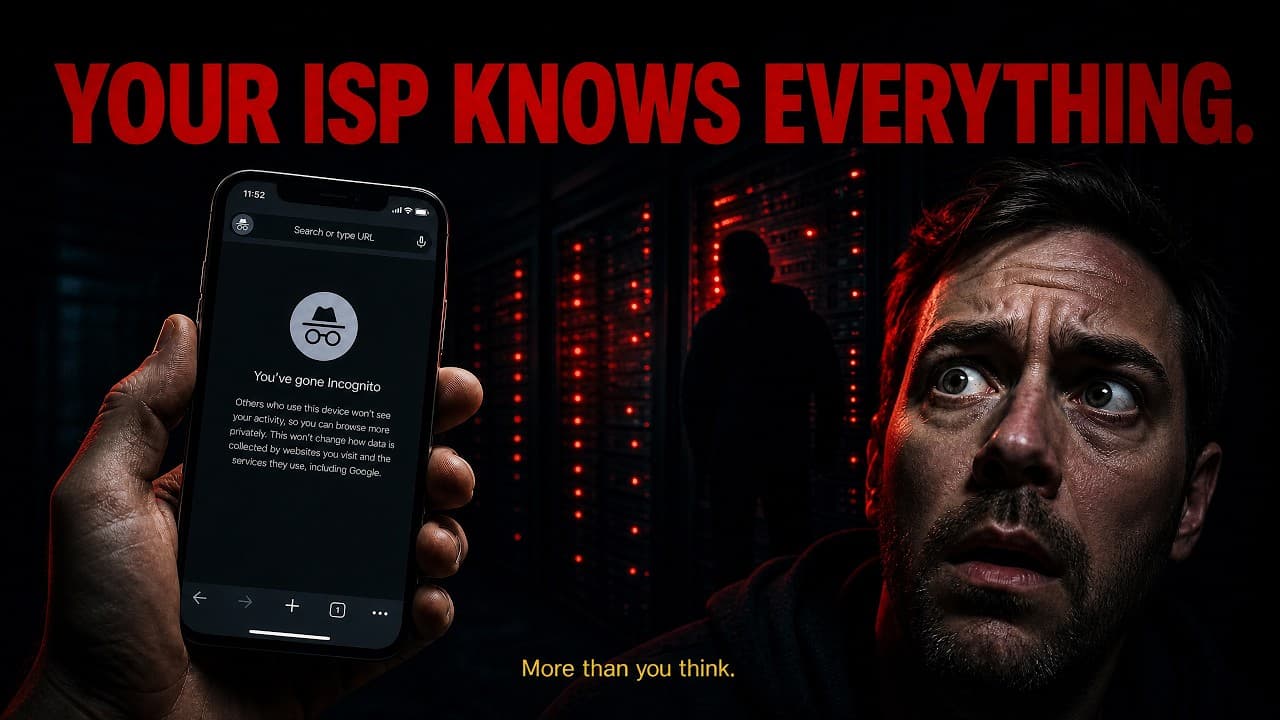
What Your ISP Actually Sees
Every device in your home connects to the internet through your ISP. That means every request goes through their infrastructure first — before it reaches any website, any app server, or any cloud service. They are the pipe. And they can see what flows through it.
HTTPS encrypts the content of your requests, but your ISP still sees something more revealing than the content itself: the metadata.
- Every domain you visit — even over HTTPS (visible via DNS and SNI)
- The exact time you connected and for how long
- How much data you transferred — which reveals the type of activity
- Your real IP address tied to your identity via your billing account
- Every app on your phone that phones home in the background
- Your location, inferred from connection patterns and IP geolocation
It's Legal — and They're Doing It
In 2017, the U.S. Congress voted to repeal FCC broadband privacy rules that would have required ISPs to get your consent before selling your data. The repeal passed. ISPs in the United States — Comcast, AT&T, Verizon, and others — can now sell your browsing history to advertisers without asking you first.
This isn't speculation. AT&T ran a program called Internet Preferencesthat offered users a $29/month discount in exchange for permission to track and sell their data. The opt-out cost money. Verizon was fined $1.35 million by the FCC for using "supercookies" to track customers across the web — cookies that couldn't be deleted because they were inserted at the network level. Comcast has built an entire ad business, Effectv, around the data it collects from its 32 million broadband customers.
What they do with your data
- Sell browsing profiles to ad networks and data brokers
- Build behavioral targeting segments sold to political campaigns
- Share data with government agencies under legal compulsion — or voluntarily
- Use it to throttle competing video services (proven in multiple net neutrality cases)
- Retain it for years, creating a permanent record of your internet use
Your Best Friend Doesn't Log You
Think about what your best friend knows about you. They know things you've shared — stories you told, things you confided in person. But they don't know every website you visited at 2am. They don't know which health symptoms you searched. They don't know which political forums you browse. They don't know which products you looked at and which ones you bought.
Your ISP does. And unlike your best friend, they don't keep it to themselves. They sell it to the highest bidder.
Does HTTPS Protect You?
Partially. HTTPS encrypts the content of the pages you visit — so your ISP can't read the exact search terms you type into Google or the exact article you read on a news site. But HTTPS does not hide the domain name from your ISP. When you visit any website, your device first makes a DNS request to look up the IP address. That DNS request goes through your ISP's servers by default.
Even if you use an encrypted DNS service like 1.1.1.1, your browser still sends the domain name in plain text during the TLS handshake via a field called SNI (Server Name Indication). This means your ISP can still see every domain you visit, even over HTTPS, even with encrypted DNS.
The Only Real Fix
A VPN routes all your traffic through an encrypted tunnel to a server outside your ISP's network. From your ISP's perspective, all they see is an encrypted connection to a single IP address — the VPN server. They can't see the domains you visit, the apps you use, the content you transfer, or the timing of individual requests.
DNS requests go through the VPN tunnel too, so your ISP doesn't even see domain lookups. SNI is encrypted. Your browsing history, from your ISP's perspective, disappears entirely.
How to take back your privacy
- Use a VPN with a verified zero-logs policy on all devices
- Enable the VPN on your router to cover every device in your home
- Choose a provider outside your country's jurisdiction when possible
- Look for providers with published third-party audits — not just marketing claims
- Enable the kill switch so traffic never leaks if the VPN drops
Stop your ISP in its tracks
SoloFlight encrypts everything before it leaves your device — your ISP sees nothing but noise. Zero logs, AES-256 encryption, cancel anytime.